BitDefender Grand Prix 2025 - Mars writeup
This is an older challenge that I had an unpublished writeup for.
The publishing date doesn’t align with when the CTF took place.
Mars was challenge that was part of BitDefender’s Cybersecurity Grand Prix event (one of the regional events from that series).
This challenge started with a file (Mars.png):
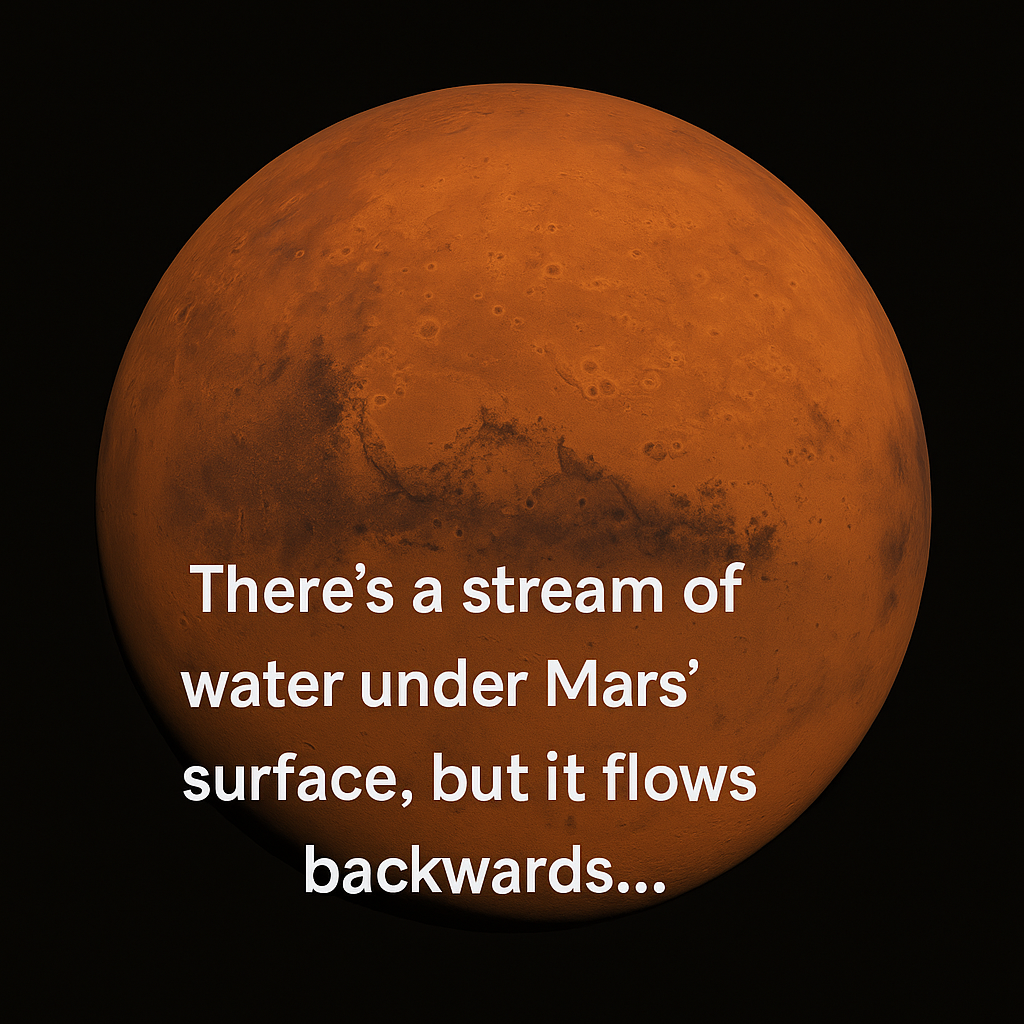
Based on the text in the image, first I tried looking for NTFS alternate data streams (because BitDefender ❤ Windows).
There wasn’t any data to be found there so I moved on.
A similar idea was to check for PNG chunks with pngcheck. This revealed that there are two custom png chunks: caBX and maRs.
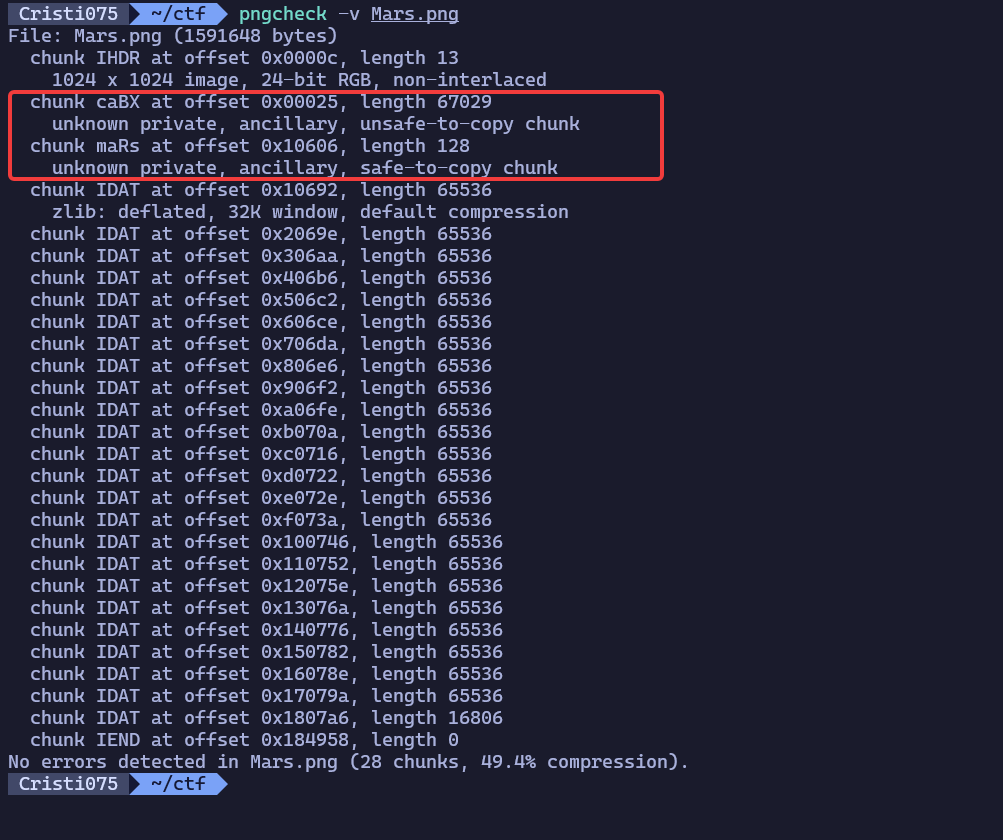
Then, I took a look at the ‘maRs’ chunk because that seemed to be the most obvious hint right now (With the challenge being called mars …).
I could not find a good way to quickly read the chunks but I stumbled upon this js module: https://github.com/hughsk/png-chunk-text. So I created a js script to read & dump the two chunks that looked weird to me.
const Chunks = require('png-chunks-extract')
const fs = require('fs')

const data = fs.readFileSync('./Mars.png')
const png_chunks = Chunks(data)

chunk_names = png_chunks.map(chunk => chunk.name)
console.log(`PNG Chunks: ${chunk_names}`)

console.log('Extracting maRs chunk')
mars_chunk = png_chunks.filter(chunk => chunk.name == 'maRs')[0]
var printable = ''
mars_chunk.data.forEach(x => {
        printable = printable + `${x},`
})
console.log(printable)

console.log('Extracting caBX chunk')
cabx_chunk = png_chunks.filter(chunk => chunk.name == 'caBX')[0]
var printable = ''
cabx_chunk.data.forEach(x => {
        printable = printable + `${x},`
})
// caBX is actually very long
//console.log(printable)
Turns out caBX is quite long. So maRs seems like the best one to focus on right now.

Its full contents are
72,50,79,33,72,50,79,33,72,50,79,33,72,50,75,0,157,197,79,36,226,228,129,116,197,65,58,42,63,120,63,110,185,195,100,21,1,132,69,107,123,192,99,148,248,192,196,110,57,227,249,47,186,121,255,214,122,253,130,114,255,251,56,146,6,132,4,84,102,29,63,235,248,69,26,148,57,254,64,107,59,68,99,237,61,130,121,41,68,124,248,237,58,29,131,85,122,131,155,114,56,227,188,40,68,65,128,215,1,64,121,136,99,127,6,233,30,24,98,104,101,127,135,116,120,129,211,89,By putting this into CyberChef and use the ‘From Decimal’ operation, I could see that it starts with ‘H2O!’
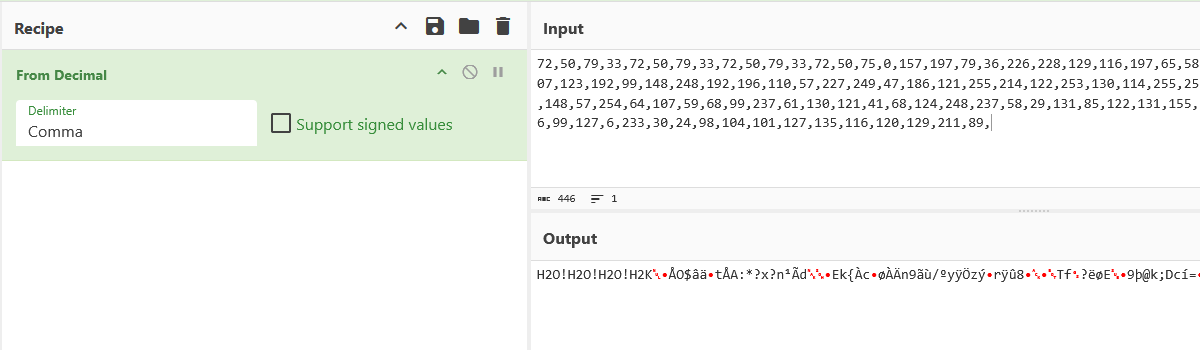
From here it was a big chain of trial-and-error until I found the correct operations, so I’ll just list the ones that worked.
- I XOR-ed the whole string with ‘H2O!’
- Then I reversed the string (based on the ‘it flows backwards’ part of the hint)
- I used ‘Magic’ from CyberChef and it identified a zlib header, so I added a ‘Zlib Inflate’ operation
This leads to this text:
85 meters left{2DcOnATVL(F!,:1AorAo;aPS0=AisFBgQlE='@:hGsuFc;f?Do>%oj7H>bKS<,GfZH=9rN2bS<a6tLO`BgFUFE]#k*}I removed the “85 meters left{” and the “}” bits from this string and then I tried a few things like ROT, bit shift or rotation. None of those worked.
Then I looked for operations with ‘85’ in them and tried all of them. Base85 decode worked and it led to:
64 meters left{MSBtZXRlciBsZWZ0eyEioSojvZi5rzo0mTmZrzaYM7KvGDevtiA5Er59}Following the same pattern as before, I kept the text between the brackets and I used base64 decode.
This led to:
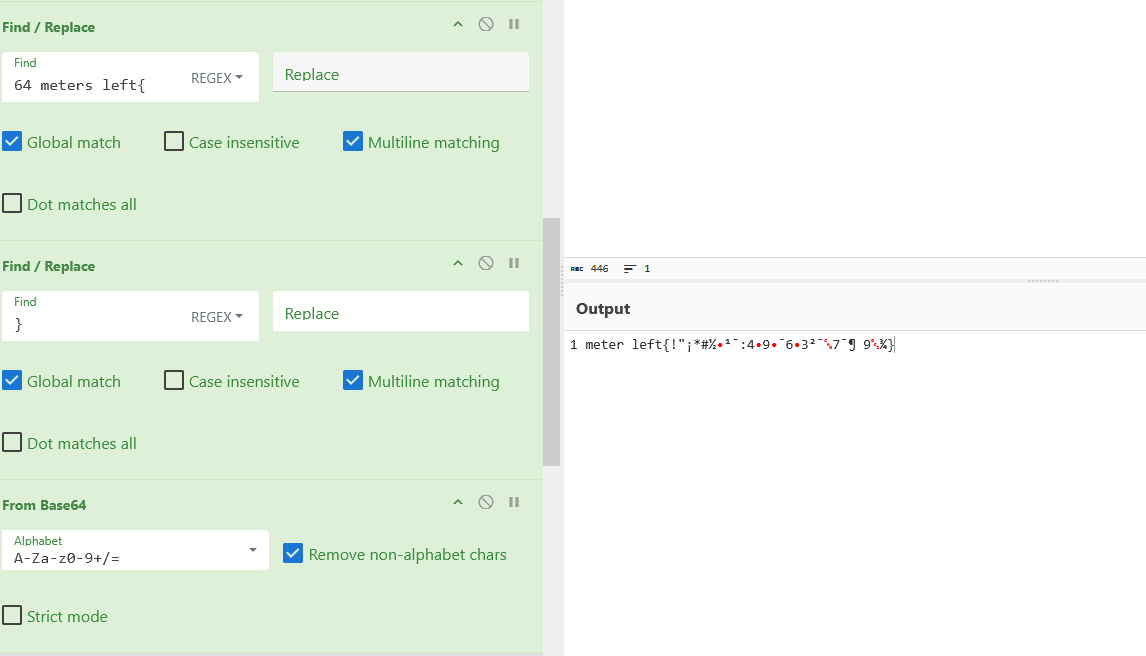
The last operation turns out to be a ‘Rotate left’ which I found after trying a lot of them (shift/rotate/ROT/etc).
And this leads to the flag
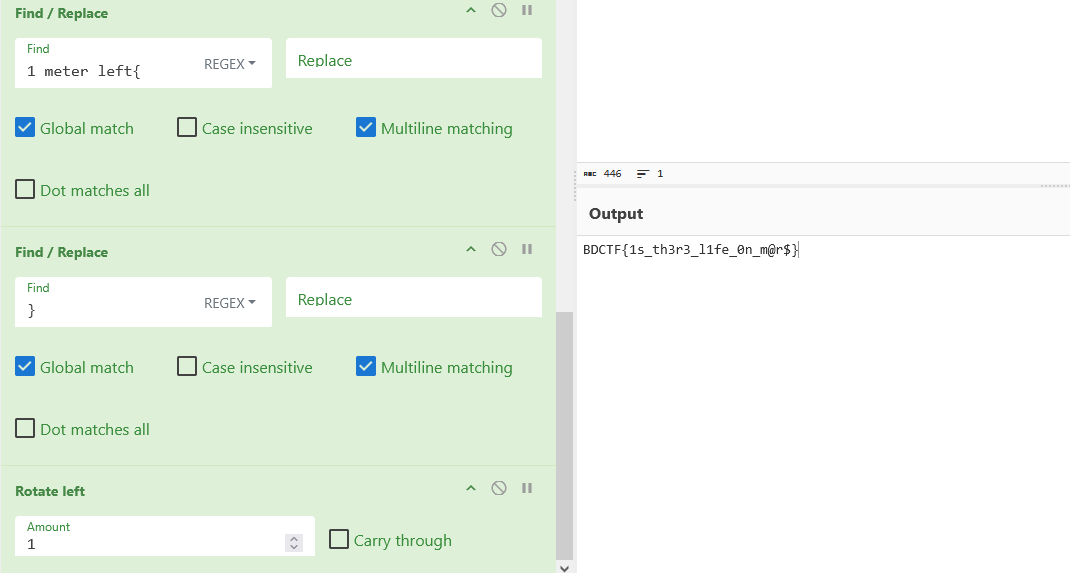
This is the full CyberChef chain that I used to solve this: click